Desktop Ledger Wallet

LEDGER WALLET – DESKTOP & MOBILE APP
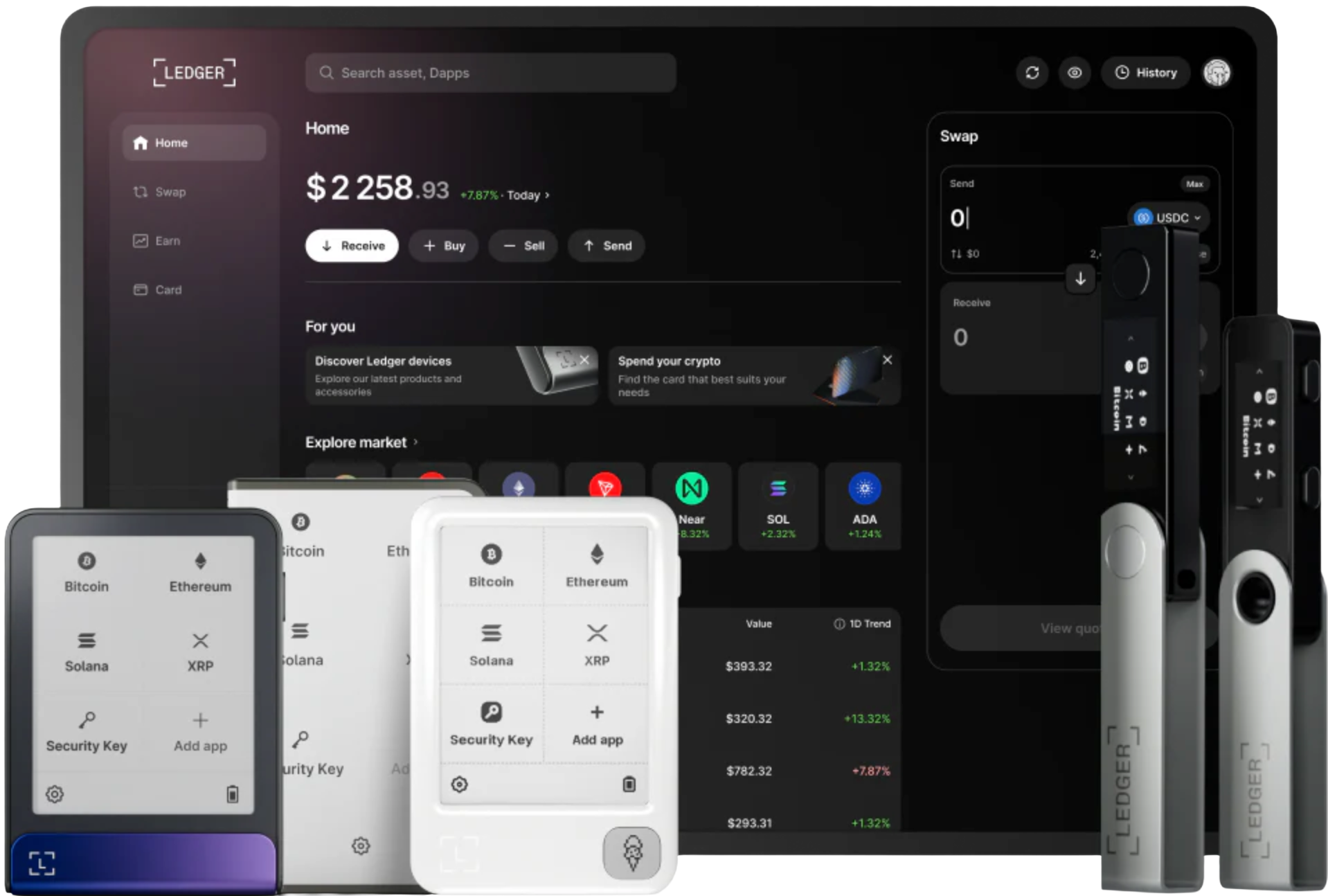
Ledger Wallet is an all‑in‑one application for asset viewing, sending, receiving, swapping, and Web3 interaction, available on desktop and mobile. When paired with a Ledger hardware wallet, every critical signing operation is verified on the device screen, ensuring true private key isolation and transaction control.
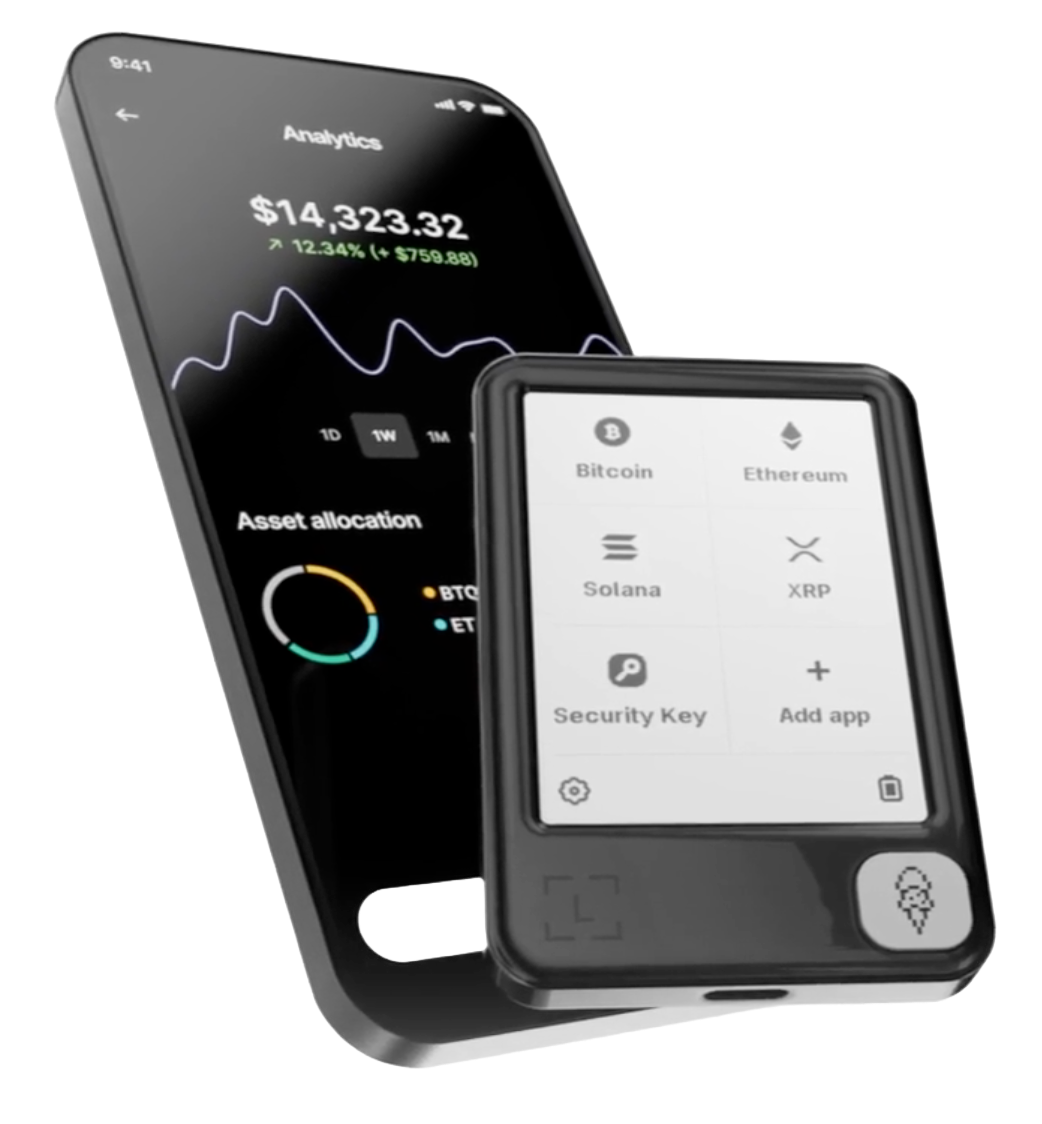
Ledger Wallet fully covers major desktop and mobile operating systems. Select the version for Windows, macOS, Linux, iOS, or Android based on your device.
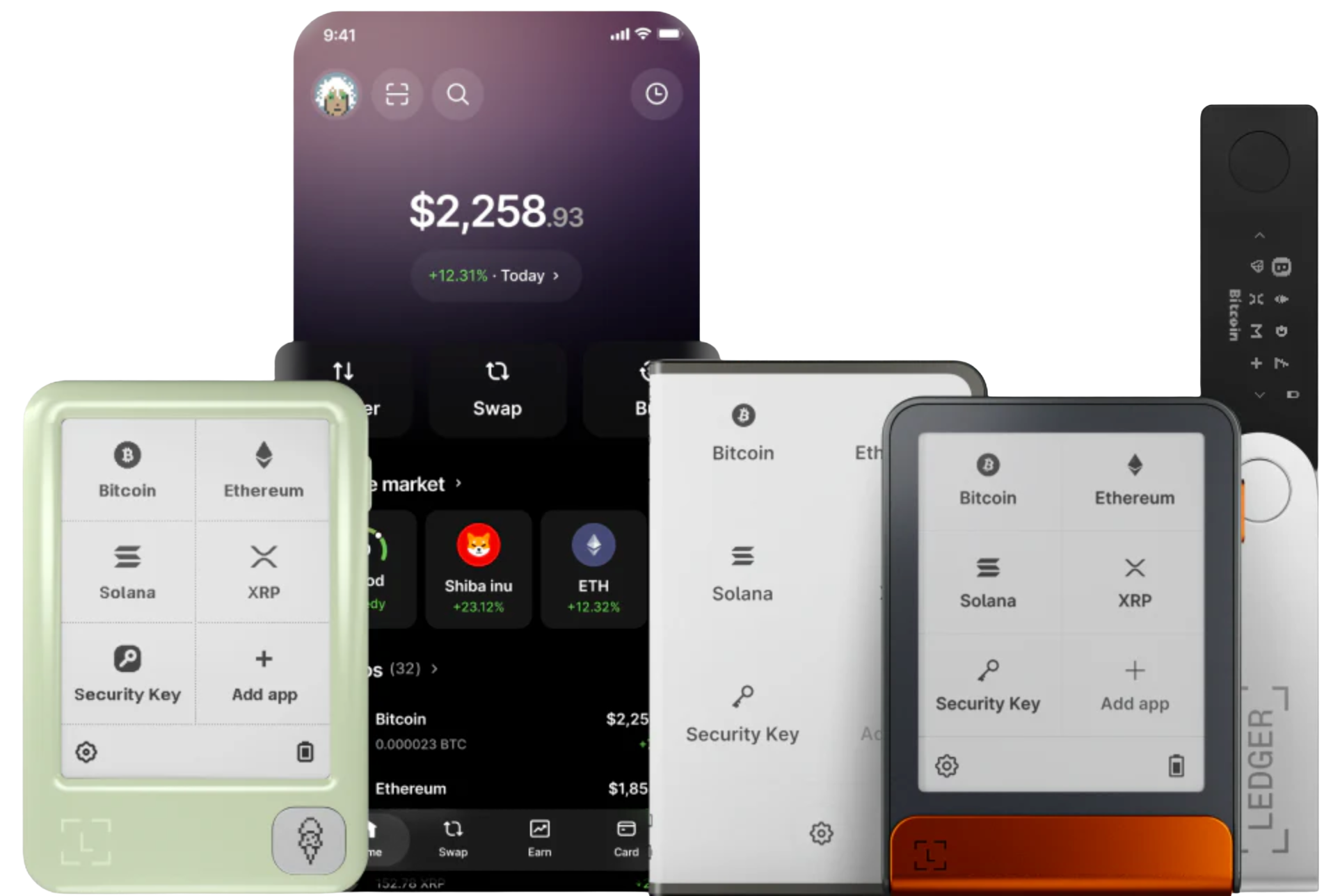
Ledger Wallet manages asset information and initiates operations; the Ledger hardware wallet stores private keys and performs signature confirmations. Together, they build a self‑custody security system.
Clearly display balances, trends, and market prices for Bitcoin, Ethereum, stablecoins, NFTs, and multi‑chain assets – helping you stay on top of your portfolio in real time.
Supports receiving, sending, swapping, staking, and connecting to decentralized applications – all initiated within the app. Specific service availability depends on the in‑app offerings.
Any operation involving asset transfer, authorization, or signing must be verified on the Ledger device screen – check the address, network, amount, fees, and contract permissions one by one to ensure everything is correct.
Ledger Wallet can manage a wide range of crypto assets. Supported coins, networks, and features are subject to what is actually available within the app.
Acts as the asset management gateway, providing core functions like account management, sending/receiving, swapping, staking, and Web3 connection – enabling convenient operations on desktop or mobile.
The secure vault for private keys – all transaction signing happens within the device. Users must carefully verify address, network, amount, fees, and contract permissions on the device screen before confirming.
Web3 & Decentralized Applications
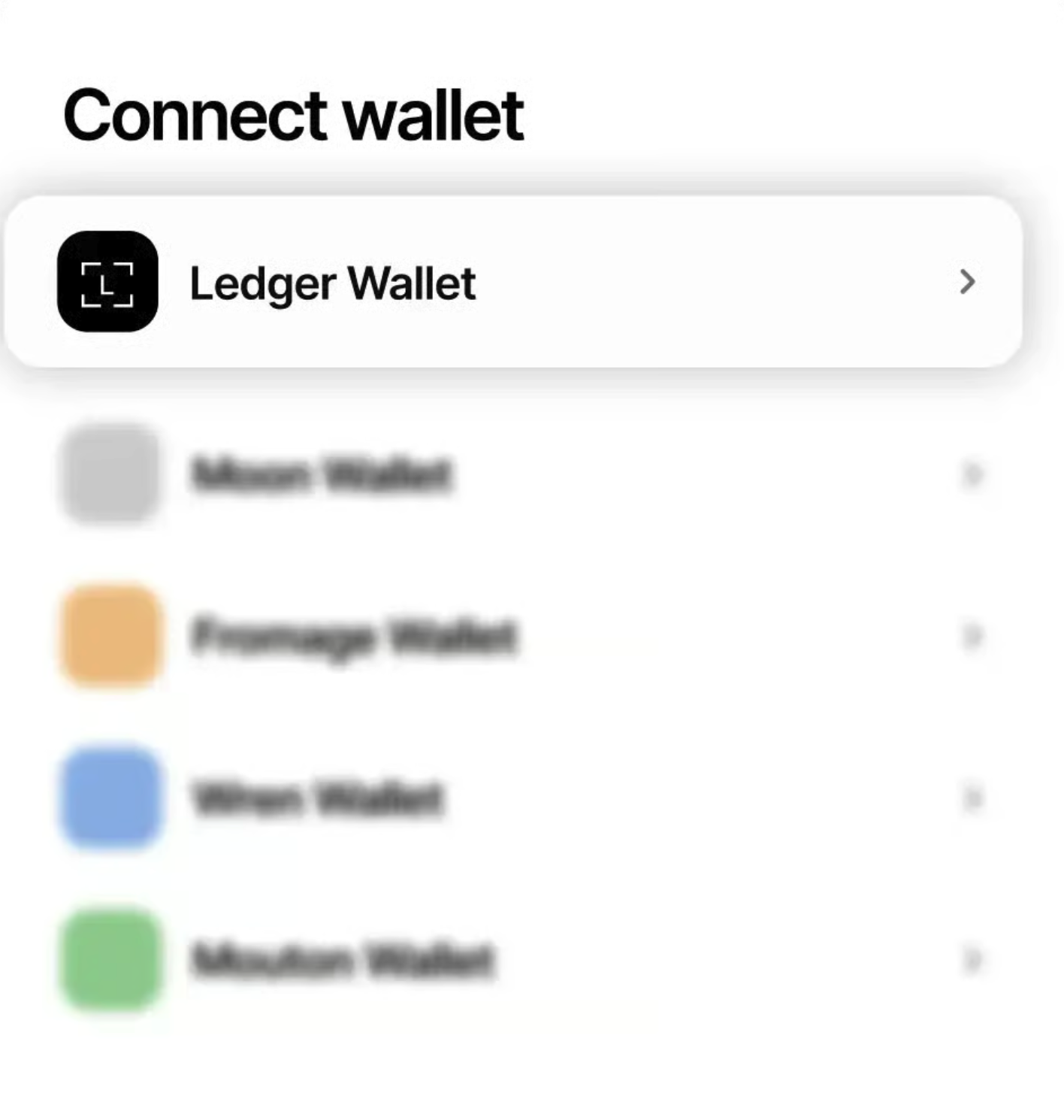
Ledger Wallet supports connections to various DApps. Once connected, all authorization, signing, and transaction requests require active user verification – especially operations involving asset transfers or contract approvals. Always rely on the hardware device screen for confirmation.
Buy & Swap
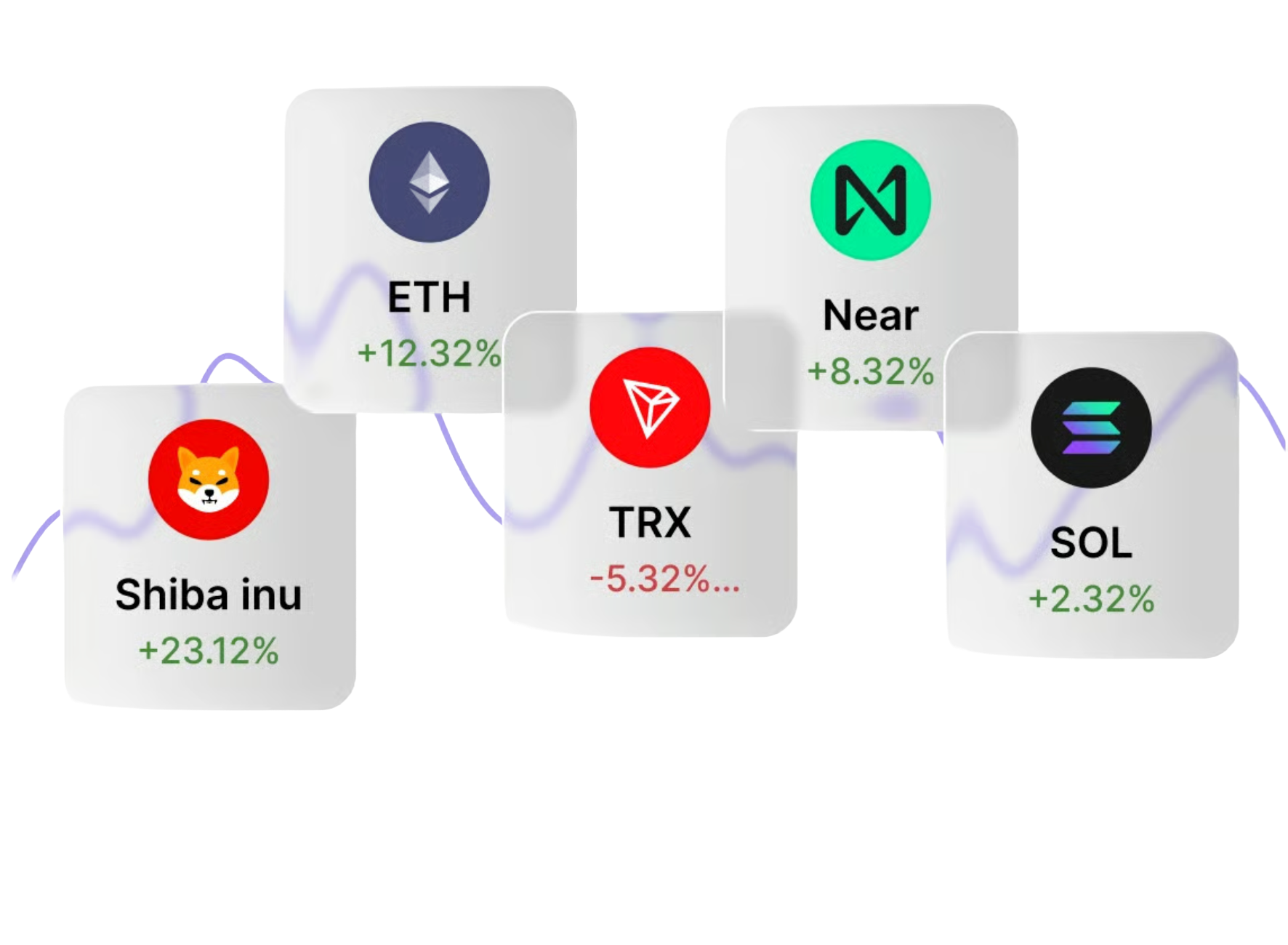
Through Ledger Wallet, you can view assets, compare service providers, and initiate purchases or swaps. Before proceeding, always verify the provider's credentials, coin type, network, quoted price, receiving address, and any associated fees.
Staking & Rewards
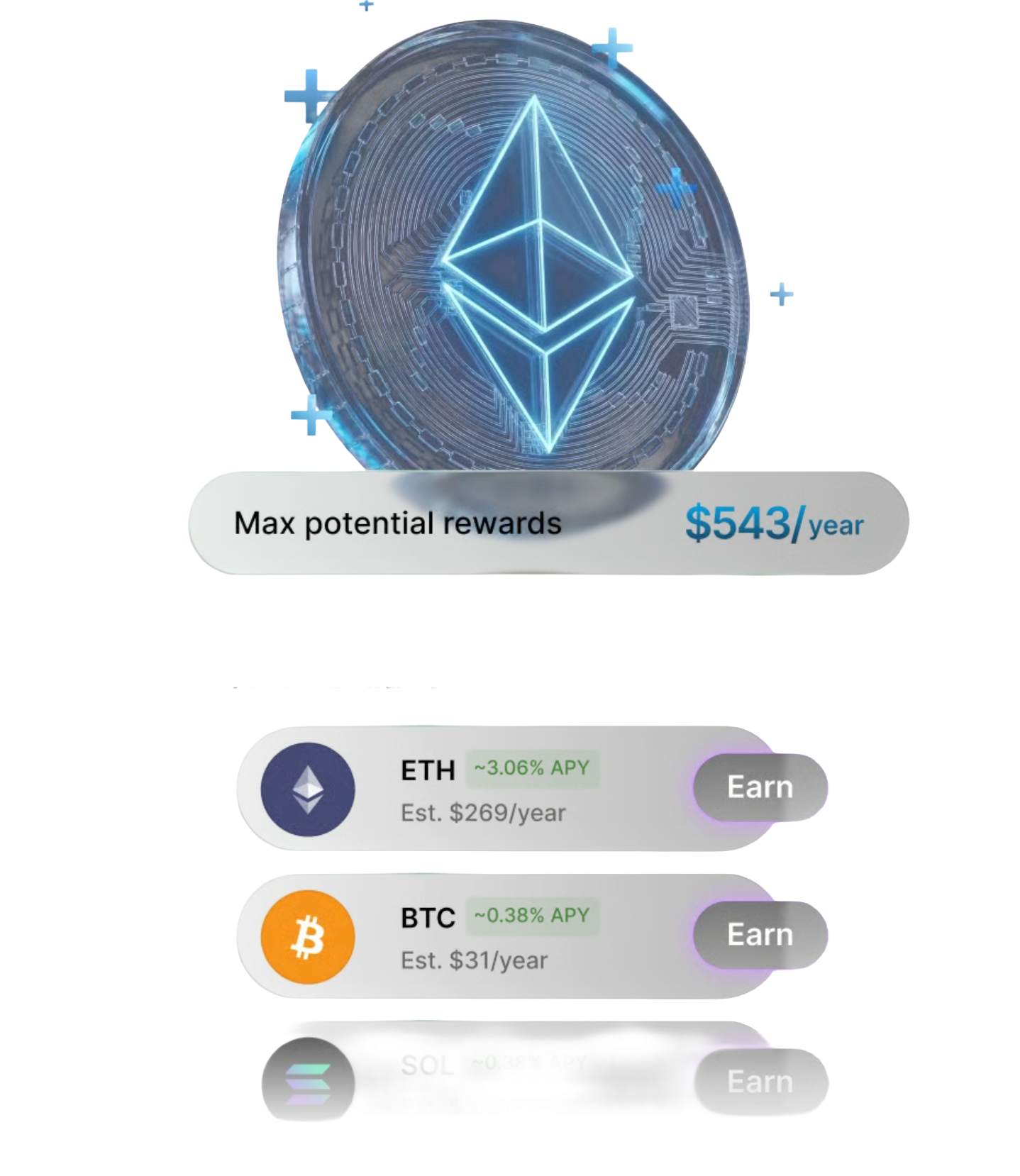
Ledger Wallet helps you understand available staking networks and expected rewards. Before staking, make sure you understand lock‑up periods, validator selection, network rules, fees, and potential risks.
Ledger Wallet is the official desktop and mobile crypto asset management application from Ledger.
Users can view Bitcoin, Ethereum, stablecoins, NFTs, and other multi‑chain assets, and initiate receiving, sending, swapping, staking, and Web3 interactions.
When paired with a Ledger hardware wallet, any operation that changes asset ownership requires a second confirmation on the device screen, ensuring private keys remain offline.
After downloading Ledger Wallet, you can add accounts, view your portfolio, send and receive cryptocurrencies, and swap or stake based on available services.
The app handles front‑end operations and information display, while the hardware device handles private key protection and transaction signing – clear separation of duties.
Actual functionality may vary by region, system version, coin support, and network availability – always refer to what is shown in the app.
Ledger Wallet is the updated brand name for Ledger Live – both refer to the same asset management software.
Whether you search for one name or the other, the goal is to download the official desktop or mobile application.
For security, always download from the official website or app store, and verify the developer information to avoid counterfeit apps.
Ledger Wallet supports Windows, macOS, Linux, iOS, and Android – five major platforms.
The desktop version is ideal for in‑depth management, device configuration, and overall portfolio overview; the mobile version is convenient for daily checking, small transfers, and on‑the‑go use.
Choose the version that matches your device's operating system and check the minimum system requirements.
Ledger Wallet can be used as a standalone asset viewer, but to secure private keys and perform signing operations, it is strongly recommended to pair it with a Ledger hardware wallet.
The hardware wallet isolates private keys in a secure element, and all critical signatures happen on the device, effectively defending against online attacks.
For long‑term holdings or high‑value assets, always combine the hardware wallet with the application.
Before first use, verify the download source, system compatibility, and hardware wallet connection status.
Any request for seed phrases, private keys, or recovery phrases from any channel (web, app, or support) is a high‑risk scam – ignore it.
Your recovery phrase is only for wallet recovery and must be stored offline – never screenshot, upload to the cloud, or transmit over the internet.
Ledger Wallet supports connecting to decentralized applications via WalletConnect or direct integration.
Before connecting, carefully verify the website and app source, and be cautious of unknown contracts or requests for excessive permissions.
Any operation that changes asset ownership must ultimately be confirmed on the hardware device screen – rely on what the device displays.
When confirming a transaction, always verify the recipient address, network type, coin, amount, miner fee, and contract approval scope.
The app interface provides guidance, but the final confirmation must be made on the hardware device screen.
If the information shown on the device does not match your expectation, stop immediately and re‑check the transaction details and source.